Activity Tracking
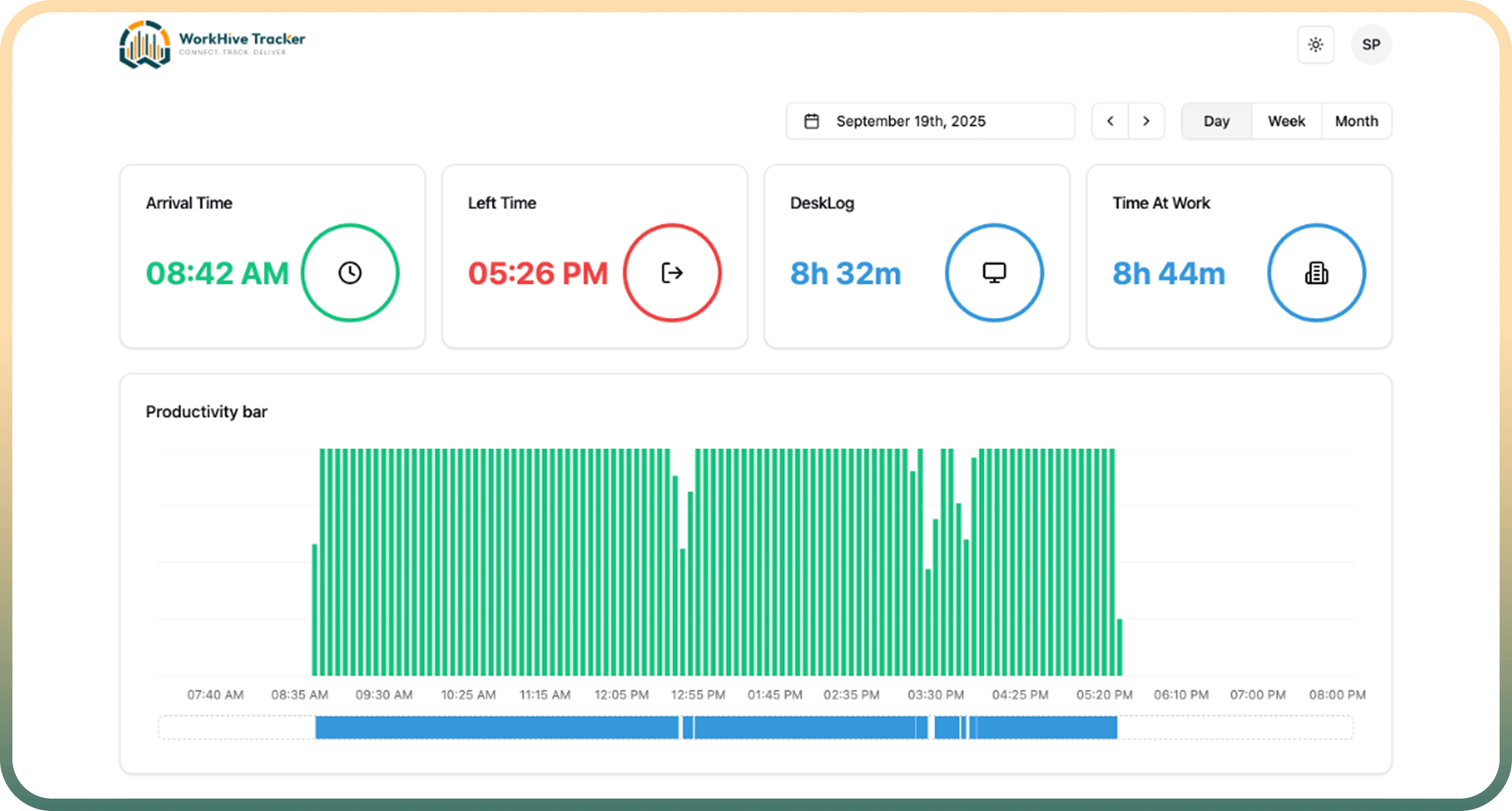
Daily timeline, active and idle time, timezone-aware dates, and real-time sync from the WorkHive desktop app.
WorkHive is a multi-tenant workforce time-tracking and productivity platform — real-time desktop tracking, team dashboards, role-based access, and powerful reports for growing organizations.
From real-time desktop tracking to Excel reports — one platform for teams, managers, and admins.
Daily timeline, active and idle time, timezone-aware dates, and real-time sync from the WorkHive desktop app.
Summary counts, team member lists, and drill-down to individual activity.
Attendance patterns, metrics, holidays, and absent-day indicators.
Granular access control — custom roles for admins, managers, and employees.
Create and import users, organize teams, assign managers, activate or deactivate accounts.
Classify applications as productive, unproductive, or neutral.
Instantly see who did not track time on any given day.
Record and manage offline work time with configurable approval windows.
Daily, weekly, monthly, and custom Excel reports — by team or company-wide.
Native apps for Windows, Linux, and Mac with live sync.
Screenshot rules, idle detection, working days, holidays, and security controls.
Basic, Pro, and Enterprise tiers with flexible seat-based billing.
Set up your company, subdomain, plan, and permissions.
Add users, teams, roles, working days, and productivity rules.
Employees capture activity in real time.
Managers use dashboards, absent lists, and exports to improve productivity.
The right level of visibility for everyone in your organization.
Personal activity view, weekly and monthly summaries, profile management.
Team visibility, member search, individual activity drill-down.
Full user, team, and role control; settings; exports; subscription management.
Enterprise-wide company and subscription administration.
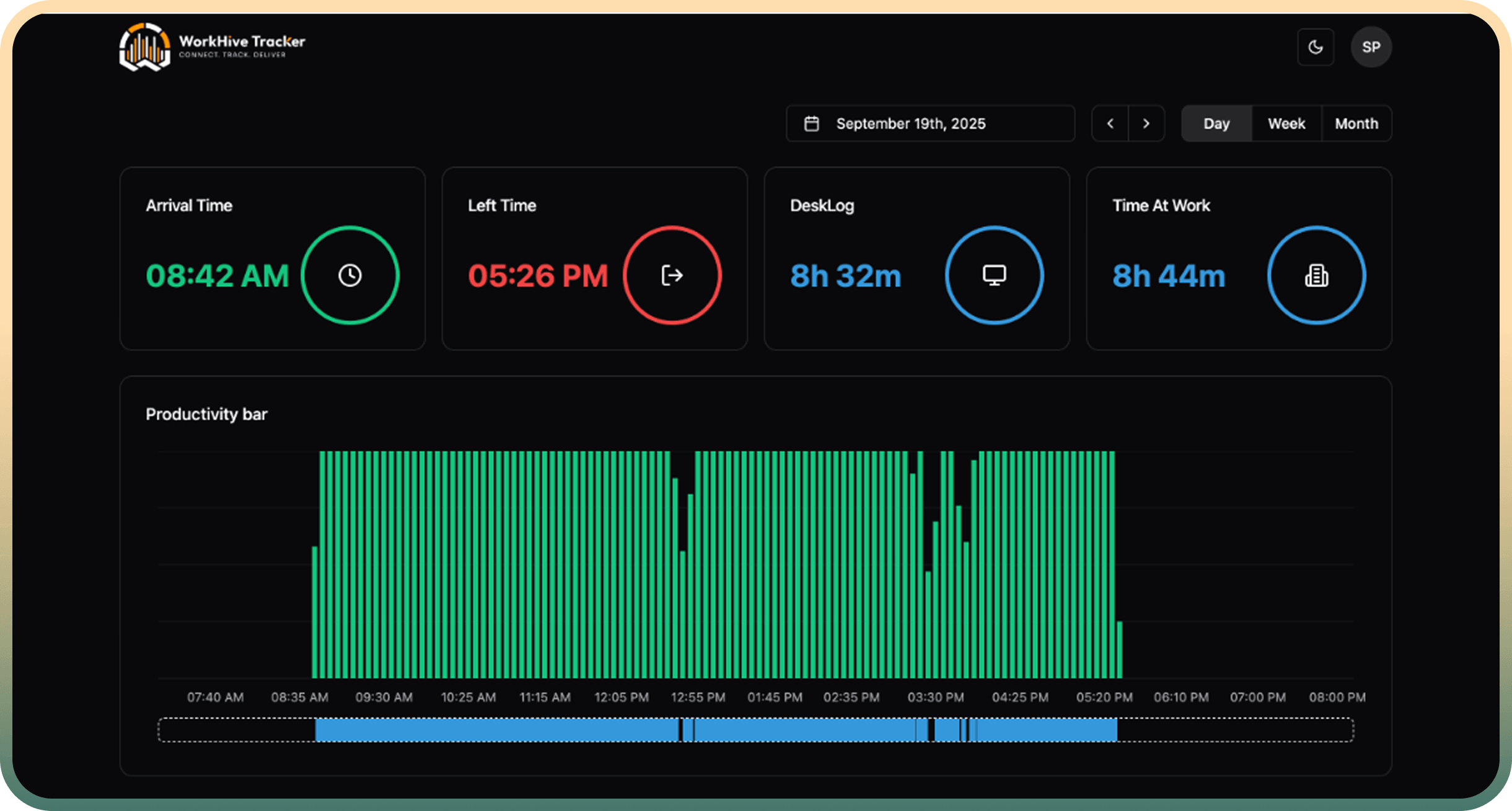
Arrival time, daily timeline, active vs. idle segments, and a live productivity ring — synced in real time from the WorkHive desktop app.
Weekly and monthly attendance views with metrics, holidays, and absent-day indicators for every team member.
Summary counts, arrival and leave times, tracked hours, and drill-down into any member's day — including screenshots where enabled.
| Member | Arrival | Left | Tracked |
|---|---|---|---|
| Ava Patel | 9:02 AM | 6:11 PM | 7h 58m |
| Liam Chen | 8:47 AM | 5:52 PM | 8h 12m |
| Maya Ross | 9:15 AM | — | 5h 03m |
| Noah Kim | — | — | Absent |
Daily, weekly, monthly, or custom-period reports — by team, by member, or company-wide, ready for payroll and review.
A native desktop tracker, a real-time web dashboard, and a secure API — all on a multi-tenant cloud architecture that scales with you.
Lightweight desktop app for Windows, Linux, and Mac with WebSocket live sync.
Programmatic access to historical tracking data.
Each organization gets an isolated workspace on its own subdomain.
JWT authentication and optional encrypted storage.
Per-seat pricing that grows with your team. No payment required to get started.
Small teams getting started
billed annually
Growing teams that need advanced reporting
billed annually
Custom seats, permissions, and support
WorkHive is a multi-tenant workforce time-tracking and productivity platform. Employees track time with the WorkHive desktop app, while managers and admins view real-time and historical activity, manage teams and roles, and export reports from the web dashboard.
The WorkHive desktop app runs on Windows, Linux, and Mac. It captures active and idle time, app usage, and optional screenshots, then syncs everything to your dashboard in real time over a secure connection.
Yes. Managers get a team dashboard with today's, yesterday's, weekly, and monthly hours for each member, plus drill-down into any individual's daily timeline and activity.
Yes. Admins control the screenshot interval, can hide screenshots from specific users, or disable capture entirely per user or per team — in which case no screenshots are taken at all.
Admins create custom roles with granular create, view, edit, and delete permissions per module. Users can hold multiple roles and automatically inherit the combined access — perfect for HR managers, project managers, and employees.
The WorkHive desktop app supports Windows, Linux, and macOS. The web dashboard works in any modern browser.
Yes. Export daily, weekly (Mon–Fri or Mon–Sun), monthly, or custom-period Excel reports — filtered by team, by member, or company-wide.
Yes. Each organization gets its own subdomain and isolated workspace, with seat-based subscription plans (Basic, Pro, and Enterprise) managed from a central platform.
Join the organizations using WorkHive to connect their teams, track what matters, and deliver more.
Tell us about your organization and the plan you're interested in. We'll get back to you within one business day with a personalized demo.